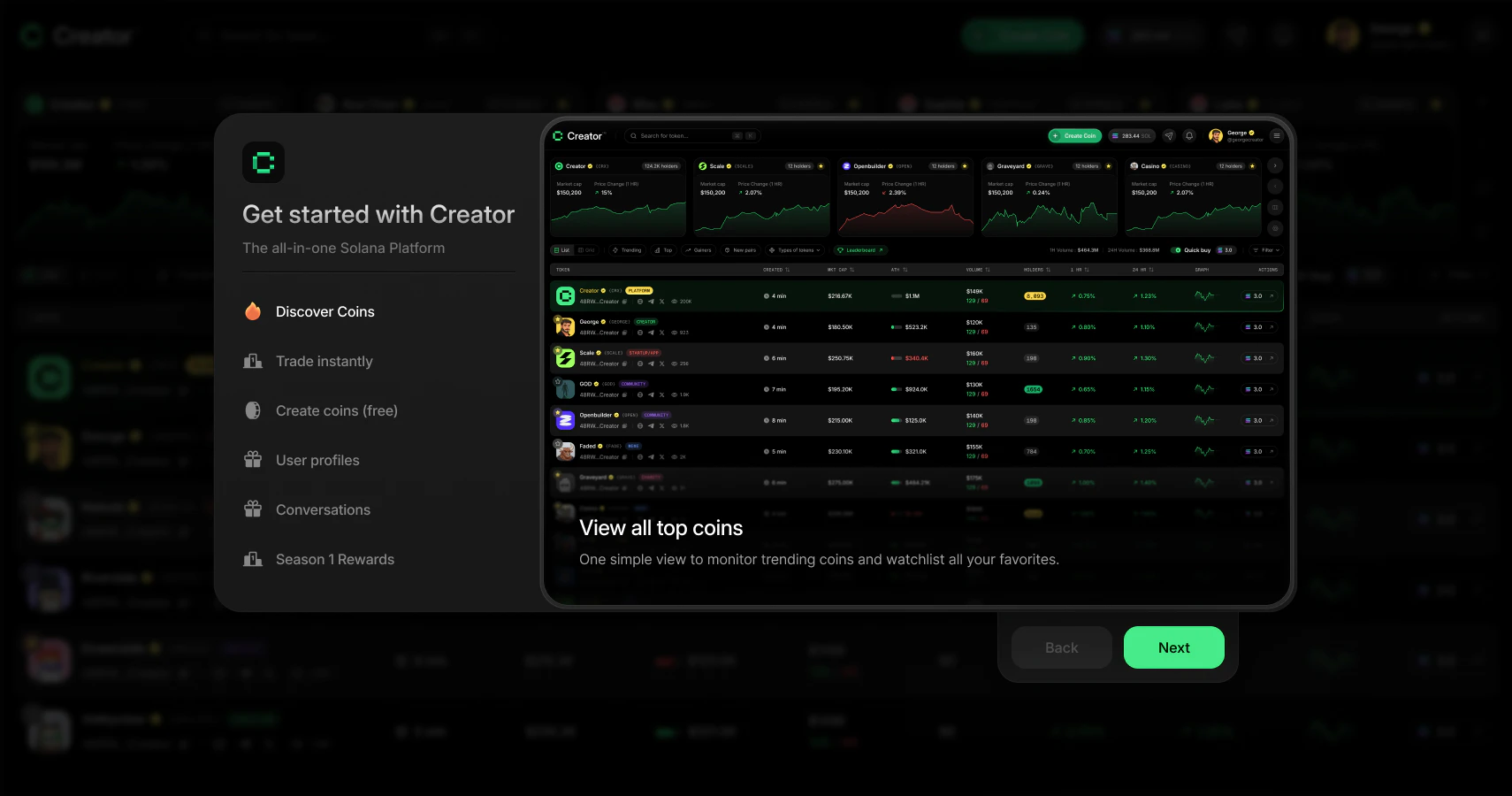
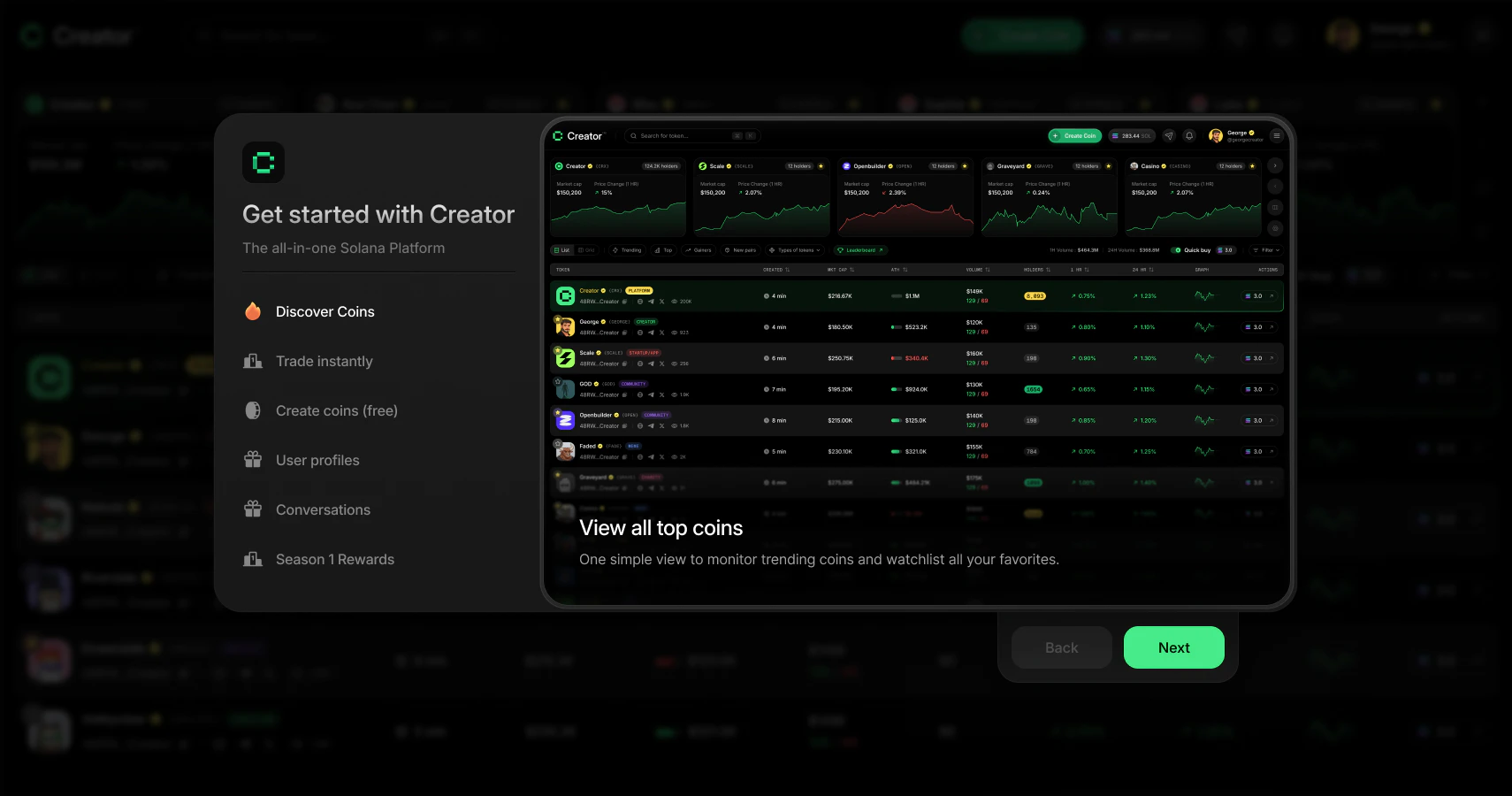
Overview
The onboarding flow has four main steps:- Deposit SOL into your embedded wallet so you can start trading
- Verification — Creator.fun confirms your deposit on-chain
- Invite code — enter a referral code if you have one (optional)
- Connect Twitter/X — link your account to claim your username and verified badge
Step-by-step walkthrough
1
Deposit SOL into your Creator trading wallet
The first screen shows your embedded wallet address and a QR code. This is where you send SOL from an exchange or another wallet.How to fund your wallet:
- Copy your wallet address by clicking the address field or the copy icon, or scan the QR code
- Send SOL from a crypto exchange (such as Coinbase, Kraken, or Binance) or from another Solana wallet (such as Phantom)
- Wait for the transfer to arrive — on-chain SOL transfers usually settle within 30 seconds
2
Verification
After you click Continue, Creator.fun checks the Solana blockchain to verify your deposit. You’ll see a loading spinner and the message “Waiting for deposit” while this check runs.Once the check completes, the screen confirms either “Deposit successful” with your current balance, or “Skipped Deposit” if you chose to continue without funding. Click Continue to move on.If you already completed onboarding before (for example, you’re returning to this flow), Creator.fun may skip this screen and send you directly to the dashboard.
3
Enter an invite code (optional)
If someone referred you to Creator.fun, enter their 6-character invite code here to claim Creator Points for both of you.
- Type or paste the code into the six boxes — you can paste all six characters at once and they’ll fill in automatically
- Click Continue to submit the code
4
Connect your Twitter/X account
Connecting Twitter does two things:
- Shows your username across Creator.fun — your Twitter handle appears on your profile and next to any tokens you create or trade
- Gives you a verified badge — a small badge appears next to your name on your profile and token pages, signalling to other users that your identity is confirmed
- Click Claim Username
- A Twitter authorization pop-up opens — approve the connection
- Creator.fun redirects you back to the onboarding screen once the link is complete
- Your Twitter handle appears on screen confirming the connection, then click Continue
Each Twitter account can only be linked to one Creator.fun account. If you see an error saying “This Twitter account is already linked to another user,” sign in with a different Creator.fun account or contact support.
5
Get started on the dashboard
After completing (or skipping) the Twitter step, a welcome screen appears with three options:
- Start Trading — opens the Creator trading wallet view, where you can see your wallet balance, badge tier progress, copy your address, export your private key, and then jump to the dashboard
- Create a Coin — takes you directly to the coin creation flow to launch your first token right away
- Just Explore — goes straight to the dashboard so you can browse tokens without committing to anything
Your embedded wallet explained
Your Creator trading wallet is a Solana wallet that lives inside the Creator.fun app. It’s powered by Privy and is completely separate from any external wallet you may own.
All trades on Creator.fun go through your embedded wallet. When you buy a token, SOL leaves your embedded wallet. When you sell, SOL returns to it. You can view your wallet address and balance from the header once you’re on the dashboard.
You can find your wallet address again at any time by clicking your balance in the top navigation bar. The wallet screen shows your address, QR code, and a button to export your private key if you ever want to use the wallet in an external app.
What’s next
Once you’re on the dashboard, here’s where to go:Explore the dashboard
Browse trending and new creator coins on the discovery feed.
How to trade
Learn how to buy and sell creator coins using your SOL balance.
Creator Points
Understand how to earn points through trading, referrals, and streaks.
Launch a coin
Create your own creator coin for free in under a minute.