How to refer a friend
1
Go to your referral dashboard
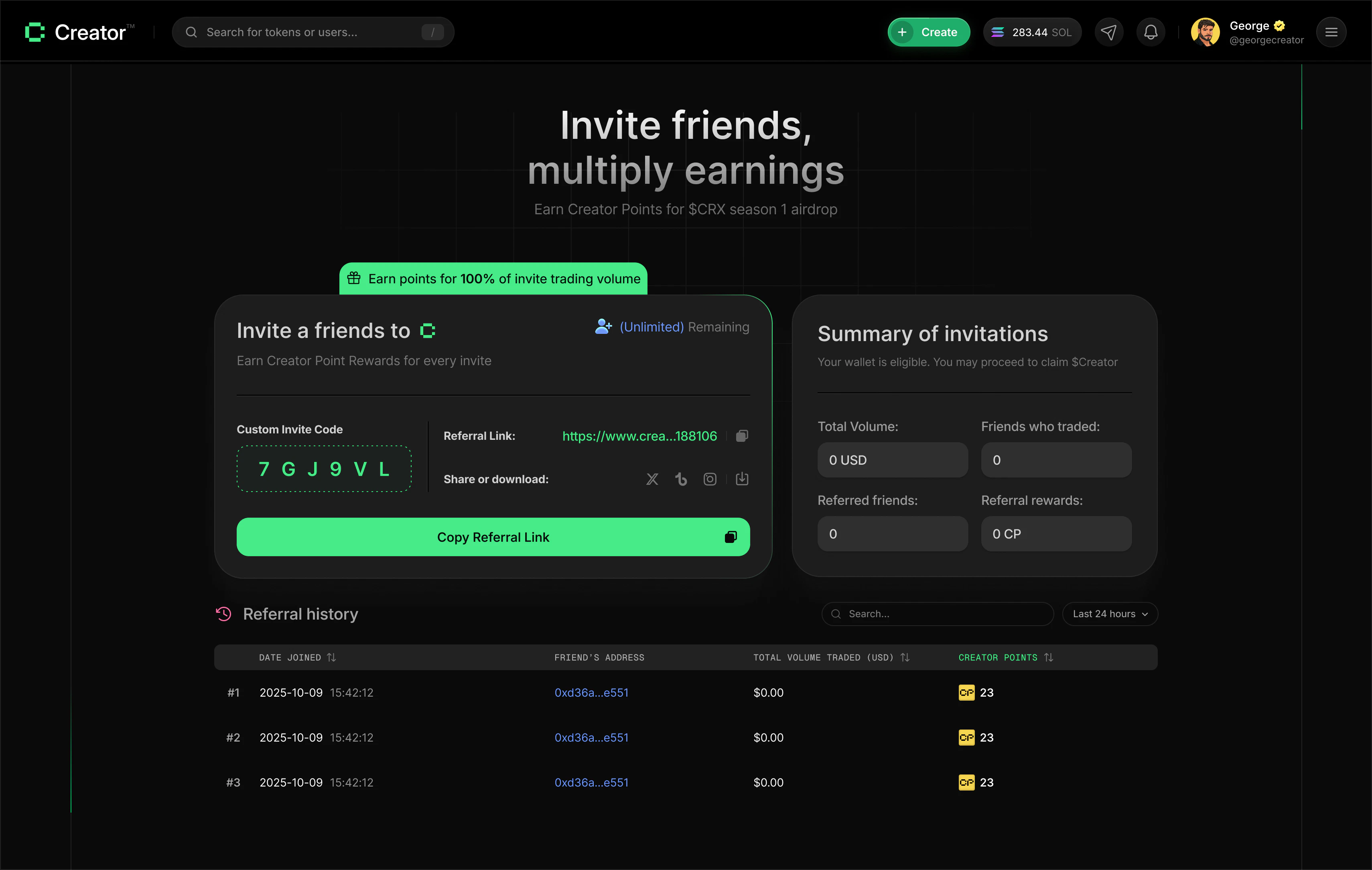
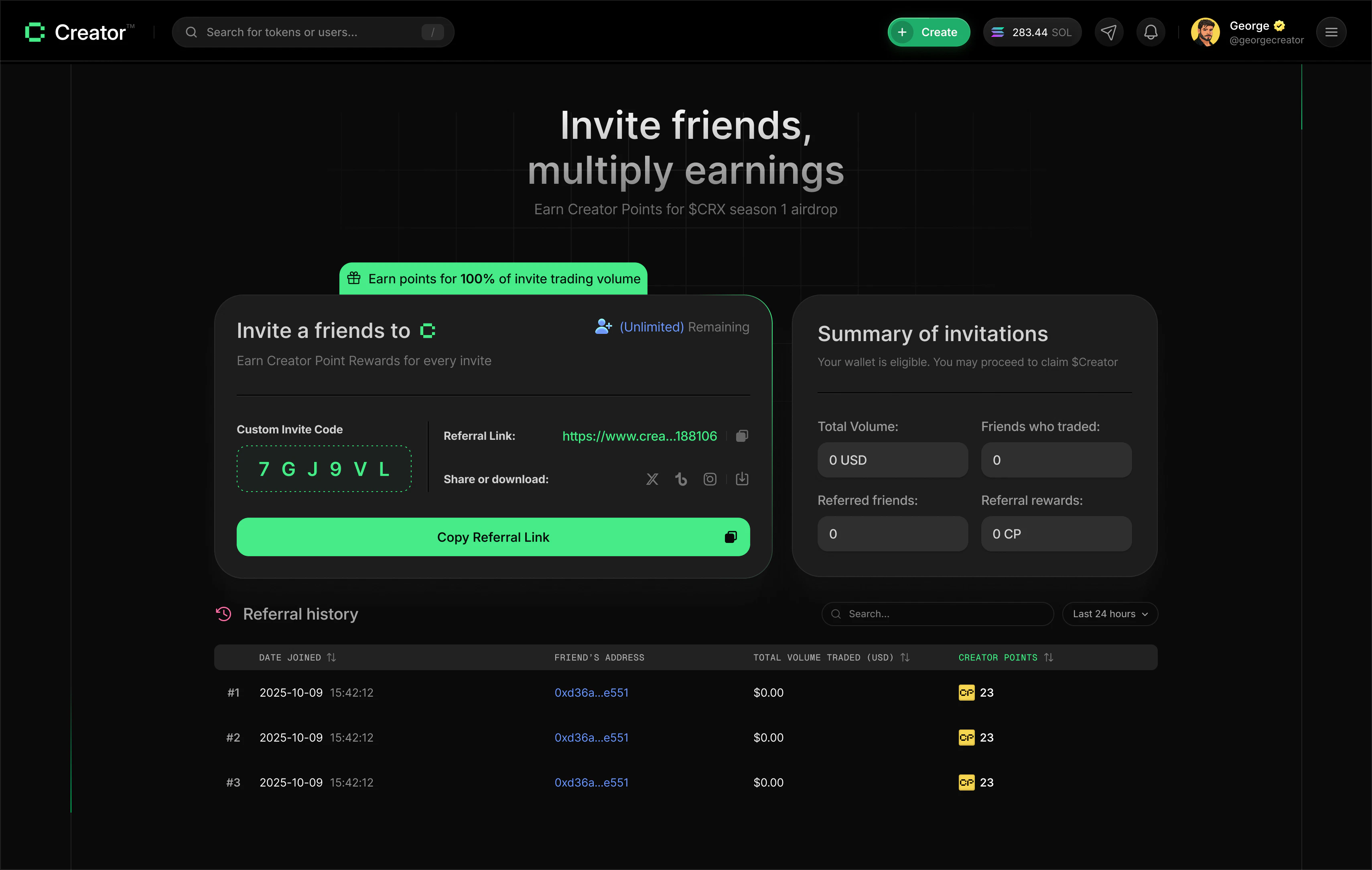
Visit app.creator.fun/referral. You’ll see your unique referral link and invite code.
2
Copy your referral link or code
Click Copy Referral Link to copy the full URL to your clipboard. Your link looks like this:Alternatively, click your Custom Invite Code to copy just the code. The code is the short alphanumeric string your friends can enter manually when signing up.
3
Share with friends
Send your link directly to friends, post it in a group chat, or share it on social media. You can use the built-in share buttons to post directly to Twitter/X, Instagram, or Telegram.
4
Earn from their trading
Once a friend signs up using your link and makes their first trade, they appear in your referral history. From that point on, their trading volume earns you Creator Points and SOL automatically.
What you earn
For every friend who joins using your referral link:- Creator Points — you earn CP based on 100% of your referred friend’s trading volume. The more they trade, the more points you accumulate.
- SOL — a share of the platform fees generated by your referred friends’ trades is distributed to you in SOL.
Your referral summary
The Summary of invitations card on the right side of your referral dashboard shows an overview of your referral program performance:Referral history
Below the summary, the history table lists every person who joined using your referral link. You can search by user ID or referral code, filter the time range, and sort by different columns.Time range filter
Toggle between two views:- 24h — shows only friends who joined in the last 24 hours
- All time — shows your complete referral history
Sort options
Click any column header to sort the table:- Creator Points — sort by the Creator Points you’ve earned from each referred friend
- Date Joined — sort by when the friend signed up
- Trading Volume — sort by how much each referred friend has traded
Your referral link is unique to your account. Sharing someone else’s link instead of your own means they get credit for the referral, not you. Always use the link from your own referral dashboard.